

Planner 5D Review: Features, Pros, Cons & Professional Design Comparison
In the last few years, the internet has seen an explosion of interest in home design software, online floor plan creators, and AI interior design tools. Searches like “free house design software,” “planner 5d house design,” “3D floor plan creator online,” and “AI home design app” have become extremely common—especially in countries like India, where homeowners increasingly want to visualize their dream homes before construction begins.

Among these tools, Planner 5D has become one of the most widely discussed platforms. With millions of users worldwide and a reputation for simplicity, it promises something appealing: the ability to draw a house plan and turn it into a 3D interior design within minutes.
But what exactly is Planner 5D? Is it truly capable of replacing professional architectural visualization and custom floor planning? And more importantly, should homeowners rely on such tools when designing real spaces?
This article explores the complete picture of Planner 5D—its features, pricing, strengths, limitations, and real-world usability—while also explaining why professional floor planning and customized 3D rendering by experienced designers still play a critical role in architecture and interior design.
The Rise of DIY Home Design Software
Before understanding Planner 5D itself, it is important to understand why tools like it became so popular.
In the past, creating a floor plan or architectural visualization required professional software such as CAD, SketchUp, 3ds Max, or Revit. These tools required technical knowledge, training, and often expensive licenses.
But the modern internet user wants something simpler.
People now search for:
free house plan software
3D home design apps
AI room planner
online floor plan creator
interior design visualization tools
This demand created a new category of software: consumer-friendly home design tools.
Planner 5D sits right at the center of this movement.
Planner 5D review
Planner 5D is a web-based and mobile home design software that allows users to create 2D floor plans and visualize them in 3D. The platform works directly in a browser or through mobile apps and focuses heavily on ease of use rather than professional-level modeling complexity.
The idea behind the software is simple: draw a room, place furniture, and instantly see a 3D visualization of the space.
The platform has grown significantly since its launch and today claims a community of more than 120 million users worldwide.
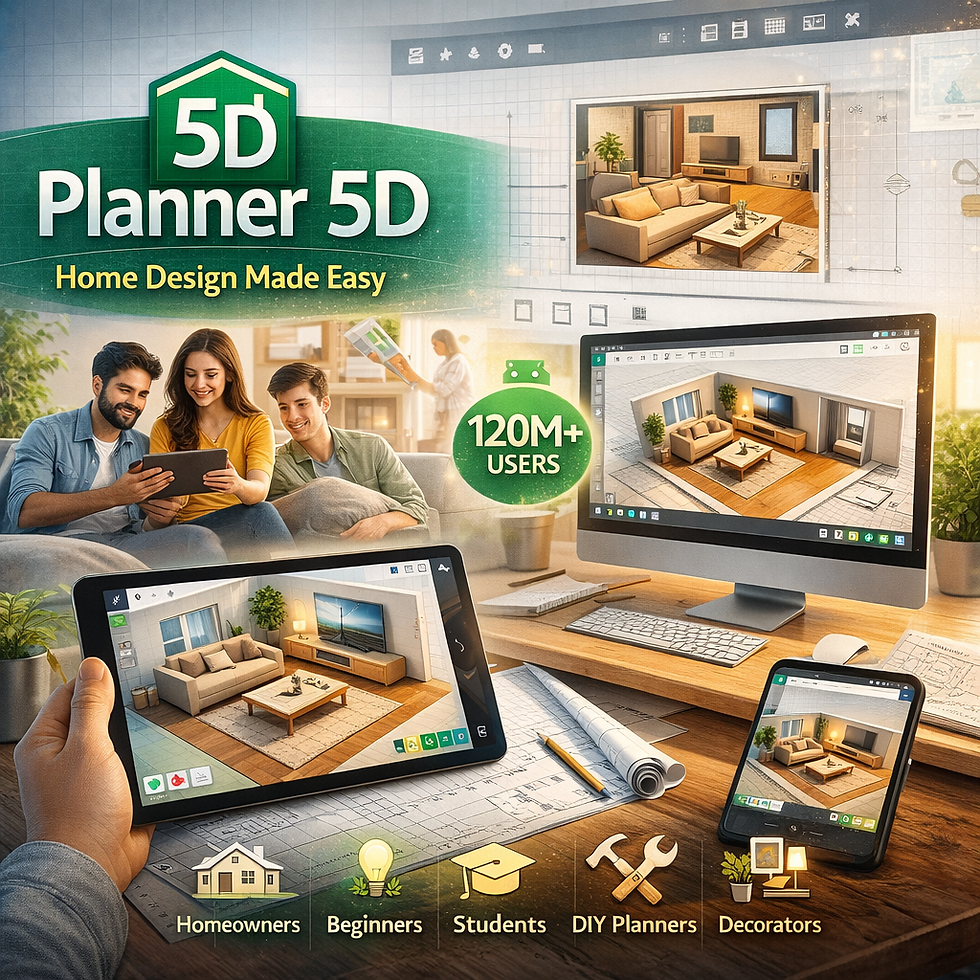
Unlike traditional architectural software, Planner 5D is designed primarily for:
homeowners
beginners exploring interior design
students learning spatial planning
DIY renovation planners
casual interior decorators
This positioning is important. Planner 5D is not meant to compete with full-scale architectural design software—but rather to provide a quick conceptual visualization tool.
How Planner 5D Works
The workflow in Planner 5D is intentionally simple.
Users begin by creating a 2D floor plan, drawing walls, and defining room dimensions. From there, the software automatically converts the layout into a 3D environment, allowing users to explore the design from different angles.
Because the system is designed around drag-and-drop interaction, even someone with no technical background can build a layout within minutes.
The platform allows users to:
draw walls and rooms
insert doors and windows
place furniture and décor
adjust colors and materials
view designs in real-time 3D
The transition between 2D blueprint view and 3D visualization is one of the most praised features of the platform. Many reviewers note that the system makes it easy to understand how a space might look before construction begins.
For homeowners imagining a renovation or rearranging furniture in an apartment, this simplicity can be extremely useful.
The Furniture Library and Design Catalog
Planner 5D review suggests one of the major attractions of Planner 5D is its built-in library of interior objects.
The software offers thousands of furniture models, décor elements, lighting fixtures, and appliances that can be placed into a design scene. According to the platform, the catalog includes over 8,000 furniture and decoration items, allowing users to experiment with different styles and layouts.
These items can be customized with different:
textures
colors
materials
sizes
For example, a u
ser can place a sofa in the living room, change the fabric color, adjust the size, and reposition it within the room—all within seconds.
This makes the software appealing to people exploring interior design ideas, apartment layouts, or home renovation concepts.
3D Visualization and Rendering
Planner 5D also includes a rendering system that allows users to generate images of their designs.
Users can create 3D snapshots showing lighting, shadows, and textures to simulate how the interior might appear in real life.

Higher subscription tiers offer more advanced features such as:
4K photorealistic renders
360-degree panoramas
virtual walkthroughs
mood boards
design sharing
These features can be useful for presentations or for communicating ideas to family members, builders, or contractors.
However, it is important to understand that these rendering tools are simplified compared to professional visualization engines used by architectural studios.
AI Features and Smart Design Tools
In recent updates, Planner 5D has incorporated artificial intelligence tools aimed at simplifying design even further.
Users can now upload a photo or floor plan and let the software automatically generate a layout suggestion. Some versions also include AI-assisted room recognition and automatic furniture placement.
These features are part of the platform’s effort to position itself as an AI interior design tool rather than just a manual planner.
Premium plans even include features such as automatic floor plan recognition and AI design assistants, allowing users to generate designs faster than before.
For beginners, this can be exciting. But it also raises an important question about design quality and accuracy.
Pricing and Accessibility
One of the biggest reasons for Planner 5D’s popularity is its pricing model.
The software operates on a freemium model, meaning users can start designing without paying anything. The free version allows unlimited projects but limits access to certain objects and rendering features.
Premium plans unlock the full furniture catalog, advanced tools, and more rendering capabilities.
Typical pricing starts around $4.99 per month, which is significantly cheaper than most professional design software.
This affordability is a major reason the platform has gained traction among:
students
hobby designers
homeowners planning renovations
first-time home buyers
In markets like India, where many users look for free house planning tools, this model makes Planner 5D particularly attractive.
The Limitations of Planner 5D
Despite its popularity, Planner 5D is not a professional architectural design platform.
The software lacks many features required for serious architectural work, including:
advanced parametric modeling
construction documentation
engineering-level measurement precision
complex structural modeling
BIM integration
While it allows users to create basic layouts and visualize interiors, it cannot replace the workflow used by experienced designers and architectural studios.

Professional architecture involves far more than arranging furniture inside a digital room.
It includes:
structural planning
building regulations
spatial ergonomics
lighting design
material engineering
cost optimization
construction detailing
These aspects require specialized knowledge and professional software pipelines.
Why Professional Floor Planning Still Matters
The idea of designing a house through an online tool may sound convenient, but real architecture is much more complex.
A professional floor plan is not simply about drawing walls. It requires understanding how spaces function in the real world. For example, how natural light moves through the house. How ventilation works. How circulation flows between rooms. How structural loads are distributed. How furniture dimensions affect usability.
Professional designers spend years studying these relationships. When a design studio creates a custom floor plan, they consider hundreds of factors that simple software tools cannot automatically evaluate. This is why experienced architectural visualization companies still rely on a classical design process.
That process typically includes:
Concept planning, detailed floor plan development, 3D modeling, material selection, lighting simulation, and photorealistic rendering.
Each stage builds upon the previous one to create a design that is not only visually appealing but also functional and buildable.
The Importance of Custom 3D Rendering
Another major difference lies in visualization quality.
Planner 5D can generate decent images, but professional architectural visualization studios produce high-end photorealistic renders that are used for marketing, investor presentations, and real estate promotion.
These renders are created using advanced engines such as:
V-Ray
Unreal Engine
Lumion
Corona Renderer
These systems simulate real-world physics, including:
global illumination
accurate reflections
natural light scattering
material micro-details
The result is imagery that looks almost indistinguishable from real photography.

This level of realism is essential when presenting architectural projects to clients, investors, or property buyers.
When Planner 5D Makes Sense
Despite its limitations, Planner 5D still has an important role.
For homeowners exploring ideas or students learning basic spatial planning, it can be a helpful starting point.
It allows people to experiment with room layouts, furniture placement, and basic interior design concepts without needing expensive software.
In other words, Planner 5D is excellent for early-stage imagination and exploration.
But when it comes to real construction, renovation, or commercial architecture, professional design expertise becomes essential.
The Future of Home Design Tools
The rapid rise of AI and easy-to-use design software shows how strongly people want to participate in the design of their own spaces.
Tools like Planner 5D will likely continue evolving with smarter AI, better rendering, and larger design libraries.
But architecture is a discipline where experience, engineering knowledge, and spatial understanding cannot be fully automated.
Technology can assist creativity—but it cannot replace the deep expertise required to design buildings that are safe, functional, and timeless.
Final Thoughts
Planner 5D represents an interesting shift in how people interact with design. It makes spatial visualization accessible to millions of users who might otherwise never explore architecture or interior design.
Its strengths lie in simplicity, affordability, and quick visualization. For homeowners experimenting with layouts or students learning the basics of design, it can be a valuable tool.
Yet it remains important to understand its limitations.
Real architectural projects demand far more than drag-and-drop design tools. They require thoughtful floor planning, engineering insight, and professional 3D visualization workflows that transform ideas into a buildable reality.
In the end, the most effective approach is often a combination of both worlds: using simple tools for early inspiration while relying on professional designers and specialized rendering studios to bring a project to life with precision and realism.
FAQ
Is Planner 5D free?
Planner 5D offers a free version with limited furniture and rendering features. Premium plans unlock the full catalog and advanced rendering options.
Is Planner 5D good for professional architects?
Planner 5D is mainly designed for beginners and homeowners. Professional architects usually rely on tools like SketchUp, Revit, or 3ds Max for complex projects.
What is the best alternative to Planner 5D?
Popular alternatives include SketchUp, Floorplanner, HomeByMe, and professional rendering tools used by architectural visualization studios.


Comments